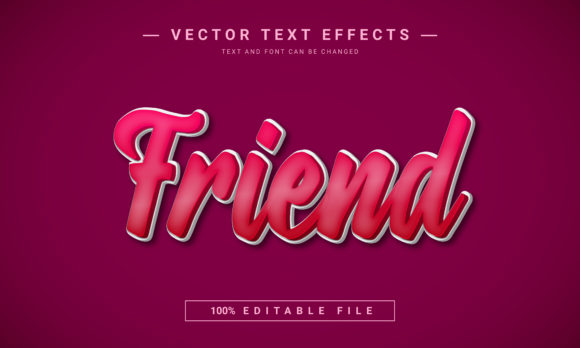
Friend Editable Text Effect: Create Stunning 3D Typography
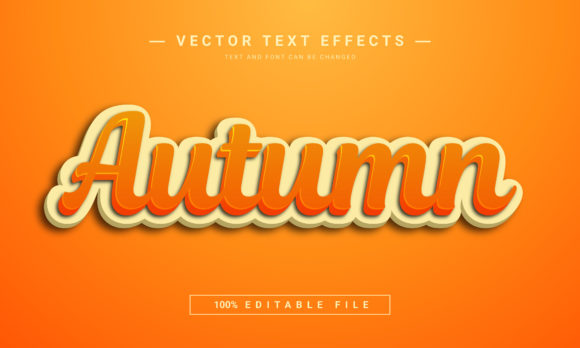
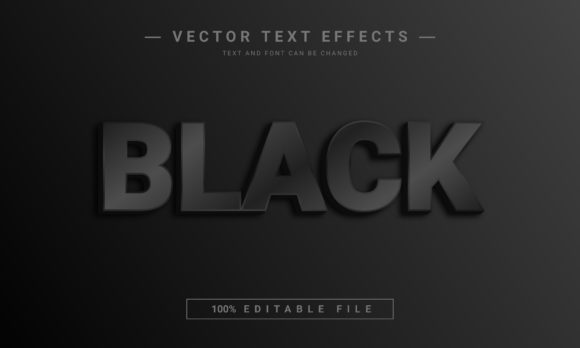
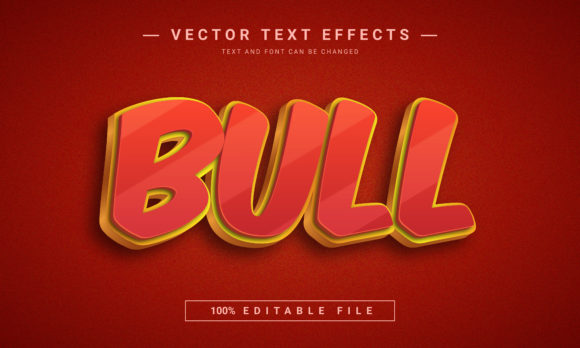
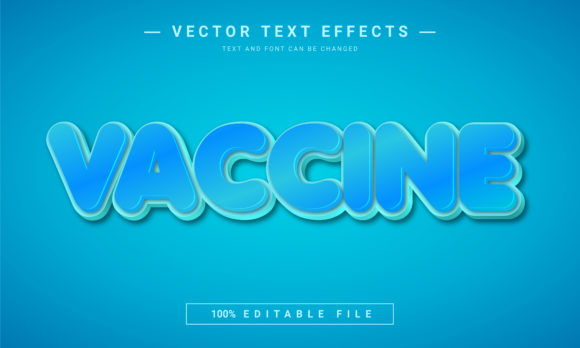
Imagine transforming any word into a bold, three-dimensional masterpiece with just a few clicks. The Friend Editable Text Effect makes this possible, offering a dynamic and fully customizable solution for designers and creators who want to add instant depth and impact to their projects. This 3D text effect is 100% editable, allowing you to make any text look polished and professional by simply copying, pasting, or typing your own words.
What makes this premium font asset so valuable is its incredible flexibility. Unlike static graphics, you have complete control over every aspect of the design. Font, letters, sizes, and colors can be easily changed to match your exact creative vision. This level of customization means a single asset can serve countless purposes, adapting seamlessly to the mood and style of any project, from a vibrant poster design to a sleek web design header.
Where Can You Use This Creative Font?
The versatility of the Friend Editable Text Effect opens the door to a wide array of applications. It's not just a display font; it's a design tool that can elevate your work across different mediums. Consider using it to create an amazing Facebook cover that stands out in a crowded feed, or design a compelling website banner that captures visitor attention immediately. Its dimensional quality makes it perfect for projects where visual impact is key.
Beyond digital platforms, this effect shines in print and merchandise. It’s an excellent choice for crafting eye-catching KDP paperback covers, stylish invitations, or unique game graphics. For those building a brand identity, incorporating this 3D text effect into logos or promotional materials can add a layer of sophistication and modern appeal that helps with brand recognition.
Tips for Choosing and Using Your Text Effect
When integrating any new design asset, it’s important to ensure it aligns with your project’s goals. Here are a few practical tips for working with editable text effects like this one:
- Check Readability: While the 3D style is stunning, always test the text at different sizes to ensure it remains legible, especially for longer phrases or in smaller applications like packaging design.
- Match the Mood: Use the color and font customization to make the effect fit your project’s tone. A bright, playful color scheme suits a children’s game, while a metallic or monochrome finish can lend itself to a more premium, editorial feel.
- Test Font Pairings: This bold effect often works best when paired with a simpler sans serif font or a clean serif font for body text. This contrast creates a balanced and professional layout.
- Verify the License: Always confirm that the font’s license covers your intended use, whether for personal projects or commercial logo design and merchandise.
Choosing the right typeface or effect is about more than just aesthetics; it’s about communication. A well-designed creative font can improve visual consistency, reinforce your message, and make your entire project feel more cohesive and professional. The Friend Editable Text Effect provides a straightforward way to achieve that polished, high-impact look without requiring advanced 3D modeling skills.
Ultimately, investing in quality font downloads and design resources saves time and empowers you to produce work that stands out. By offering full editability and a striking visual result, this text effect serves as a versatile tool in any designer’s toolkit, helping you bring creative ideas to life with clarity and style.